Compatibility
Minecraft: Java Edition
Platforms
Supported environments


Tags
Creators
Details









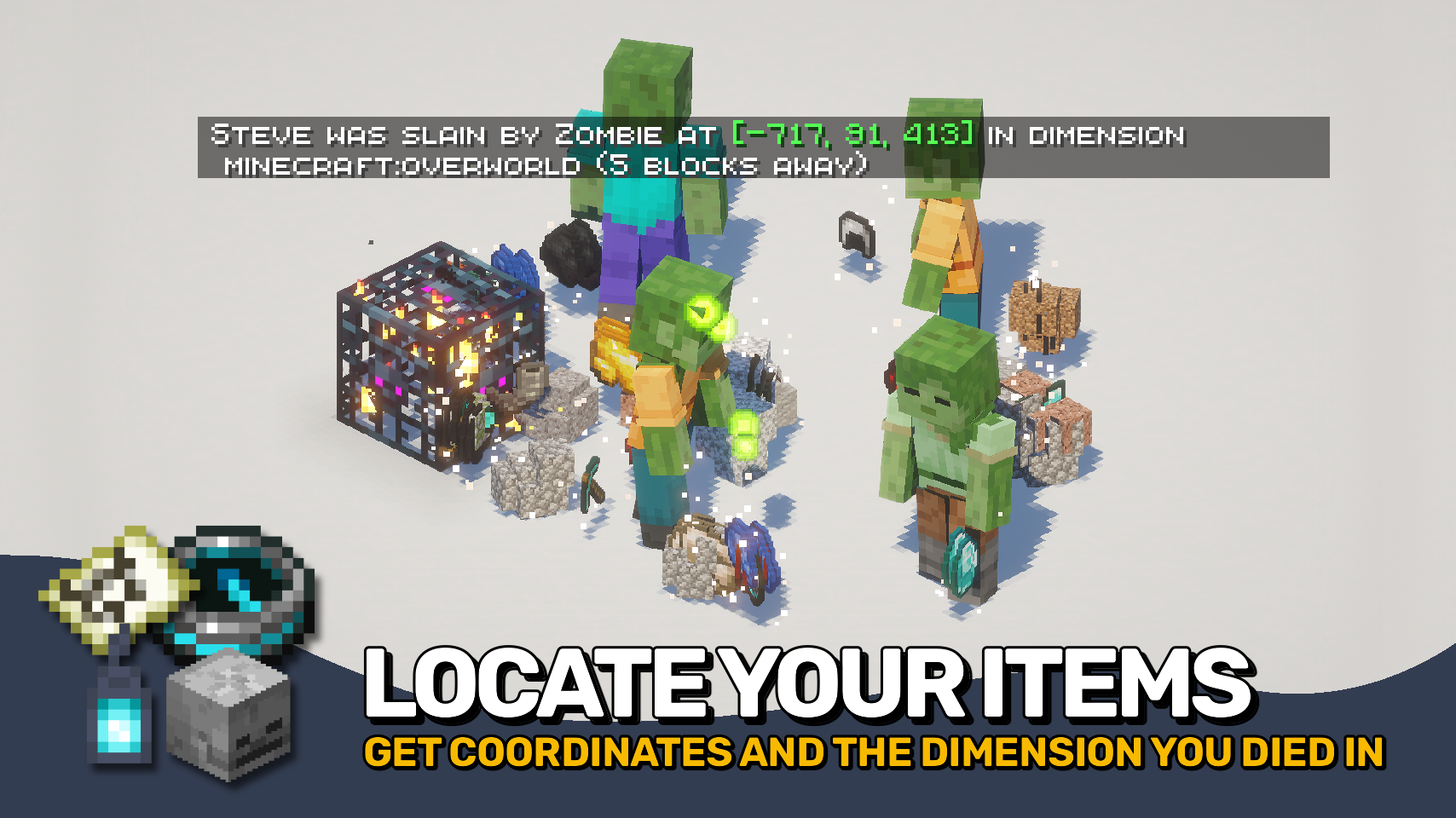
Death Finder helps you recover from death without the frustration. ☠️ Your last death position is shown directly on the death screen and included in death messages, making it easy to find your way back to lost items.
Coordinates, dimensions, and even your distance from the death point can be displayed, keeping important information right where you need it. Recovery compasses also gain tooltip support to quickly reference your most recent death location. 🧭
Need more control? Death Finder includes flexible death message options and configurable teleport support, making recovery smoother for both singleplayer and multiplayer worlds alike. ✨

- ☠️ Death Screen Coordinates: View your exact death location directly on the death screen.
- 🧭 Smarter Death Messages: Death messages can include coordinates, dimensions, and distance to the death point.
- ✨ Clickable Teleporting: Teleport directly to death locations through chat messages with configurable permissions and time limits.
- 🪦 Recovery Compass Support: Recovery compasses display your last death position directly in their tooltip.
- 🐺 Entity Death Messages: Show death messages for pets, villagers, players, and named entities.
- 🌍 Global Death Tracking: Optionally announce all entity deaths and control exceptions through the
deathfinder:silent_deathsentity type tag. - ⚙️ Fully Configurable: Customize death message behavior, teleport permissions, and displayed information to fit your world.


⏩ INSTALLATION REQUIRED ON CLIENT & REQUIRED ON SERVER
⏩ REQUIRES PUZZLES LIB TO BE INSTALLED (FABRIC & NEOFORGE)
⏩ REQUIRES FABRIC API TO BE INSTALLED (FABRIC)
⏩ REQUIRES FORGE CONFIG API PORT TO BE INSTALLED (FABRIC)

If available for a mod, configuration is possible directly from in-game using the mod menu (requires Mod Menu by Prospector to be installed on Fabric).
For manual configuration using an external text editor all files are found at .minecraft/config, named as MOD_ID-client.toml, MOD_ID-common.toml, or MOD_ID-server.toml, depending on the type of config. Not all types might exist for a mod, if any at all.